
/// Learn electronics by building
Build your first Arduino car from scratch.
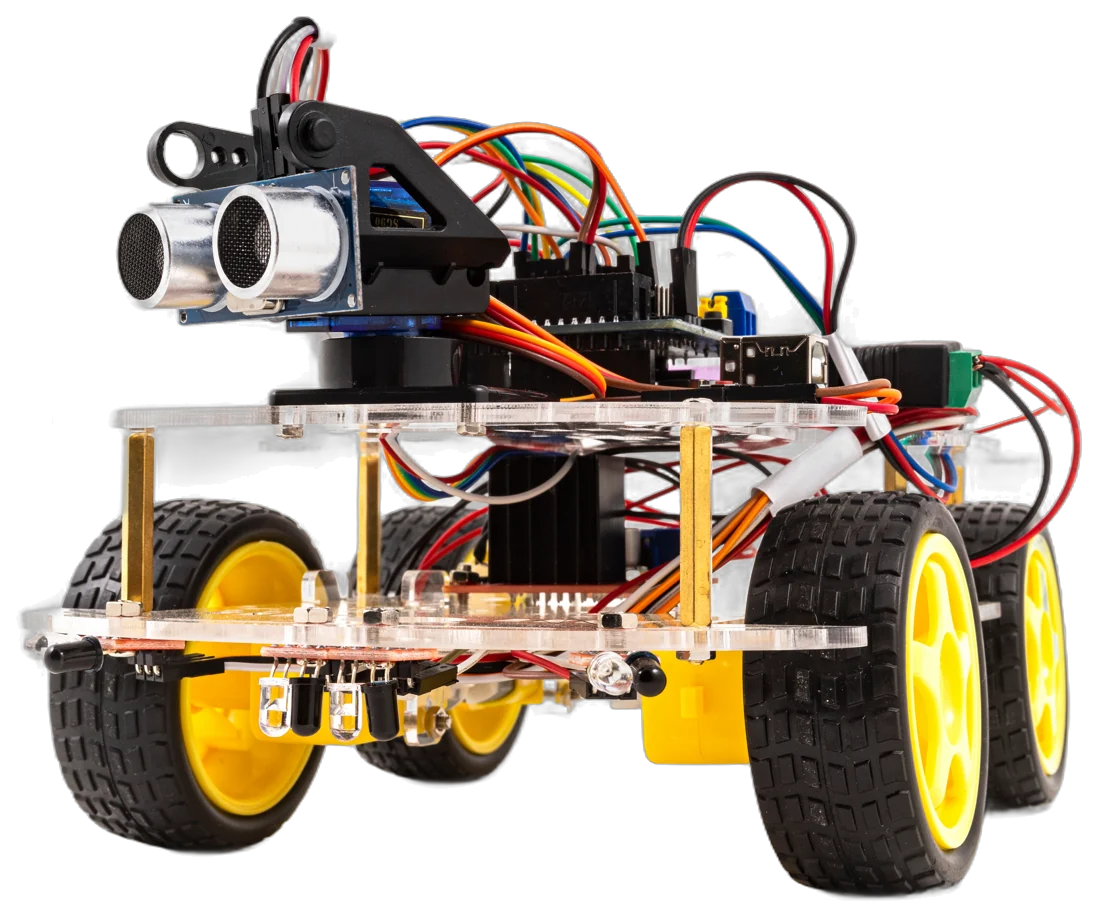
A rechargeable car you drive from a phone, built from a named list of parts and understood by the time it moves. Neither of you needs to have done this before.
No soldering. No prior electronics. A named parts list you can price before you commit.
Pick your path
Where are you starting from?
Build the car with your kid
A named parts list, no soldering, and a test after every stage. Read the whole build free online, or get the free book.
Get the book →Bluetooth won’t connect?
Module missing from the phone’s list, garbage on the serial monitor, a link that drops after a few seconds. Find out which one you have.
Find your fix →- Priced list
- every part named before you buy
- A test per stage
- stop after any one, pick up later
- 12+
- with an adult at the table
- No soldering
- screw terminals and jumper wires
The car build
The book and the guide
Read the whole build online before you spend anything. The free book is the same kind of car, written for two people at one table: who does each step, a test after every stage, and why it works.
Build a Car With Your Kid
The free second edition, a colour PDF and an EPUB by email. Every step says who does it, every stage ends with a test, and the rest of the book explains why it works. There is no second half you pay for.
Get the book →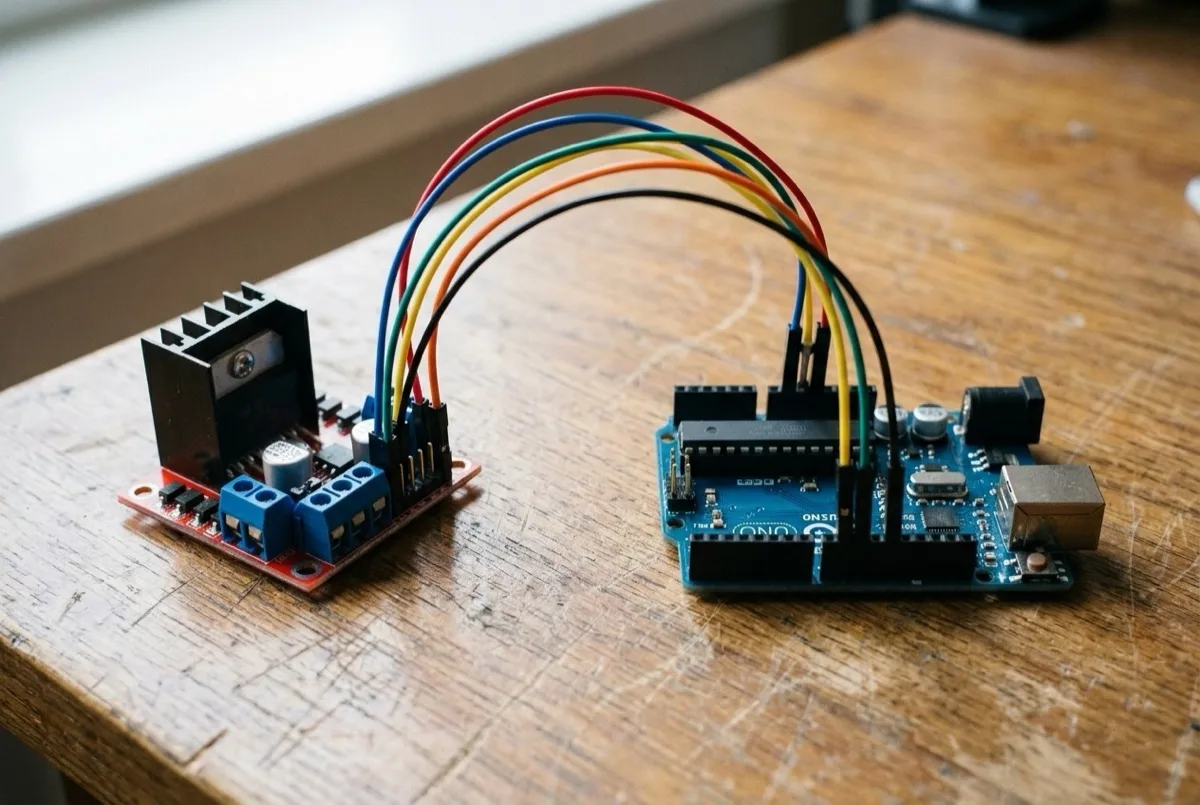
The same build, free and online
Components, wiring, the code, uploading and Bluetooth control — nine steps you can read through before deciding whether to buy a single part.
Read the guide →What you'll build
Five steps from parts to a car you drive
One step needs an adult at the table — getting the code onto the board. The other four they will do faster than you.
- 01
Components
What every part does, and why it is there.
- 02
Wiring
Every connection screwed or plugged. Nothing soldered.
- 03
Coding
The control code, explained line by line.
- 04
Uploading
Getting the code onto the board. This is the adult step.
- 05
Controlling
Pair the phone and drive it. This is the part they remember.
Most read
Fixes and explainers people come back to
- Learn
Why is 9600 the default baud rate?
One crystal frequency and a chain of doublings.
- Component
L298N motor driver: pinout, wiring and code
Including the ENA/ENB jumper that kills speed control.
- Fix
HC-05 not showing up in the Bluetooth list?
It is browning out, not broken.
- Fix
Do you need a voltage divider on the HC-05?
Yes on one wire, no on the other.
- Lab
UART frame explorer
See the start, data and stop bits of a serial frame.
- Build
No soldering required: the alternatives
Breadboards, terminal blocks and header pins, compared.
Why this one
Don’t just build it. Understand how it works.
Every step shows you what to do and explains why it works. By the end you have a car that drives from your phone, and you know what each part does. If a step is fiddly, the guide says so before you buy anything.