
Blog
Guides & fixes
Practical how-tos from real builds — the things that trip people up, solved.
Connected, but the Arduino receives nothing — the five causes, in order
Connected only means the two radios agreed. Print the raw bytes the Arduino actually receives and the problem splits in two: wiring, or protocol.
Read →
HC-05 pairing code — it is 1234 or 0000, and on a BLE module there is not one
Try 1234, then 0000. But if your phone never asks for a code at all, nothing is broken — BLE modules do not pair from the Bluetooth screen.
Read →
HC-05 disconnects after a few seconds? It is resetting, not disconnecting
It pairs, then drops. That is a brown-out reset wearing a disconnect's clothes. The one test that separates the supply from everything else, and the four causes.
Read →
The HC-05 got hot and now it is dead — the two supply mistakes that kill a module
This is the one symptom whose honest answer is buy another one. Two supply mistakes kill these modules, and the point is making sure the next one survives.
Read →
AT commands return ERROR on every line? It is one dropdown, not a dead module
Every AT command failing is almost never a broken module. It is the Serial Monitor's line-ending dropdown — and the four modules want four different settings.
Read →
Do you need a voltage divider on the HC-05? Both sides of the argument are right
Yes on one wire and no on the other, which is why the internet cannot agree. Arduino TX to module RXD needs the divider. The other direction does not.
Read →
HC-05 not showing up in the Bluetooth list? It is browning out, not broken
Your module is almost certainly fine. Five reasons an Arduino Bluetooth module never appears in the phone's list, the test that identifies each, and the fix.
Read →
Arduino Bluetooth garbage characters? It is one number, not a broken module
Those symbols mean the wiring is right and bytes are arriving. Here is the real baud table per module, why 57600 is wrong, and the three numbers to try.
Read →
Arduino will not upload with Bluetooth connected? It is pins 0 and 1
Your board is fine. A module on pins 0 and 1 is talking over the USB bootloader. The sixty-second test that proves it, and the wiring change that ends it.
Read →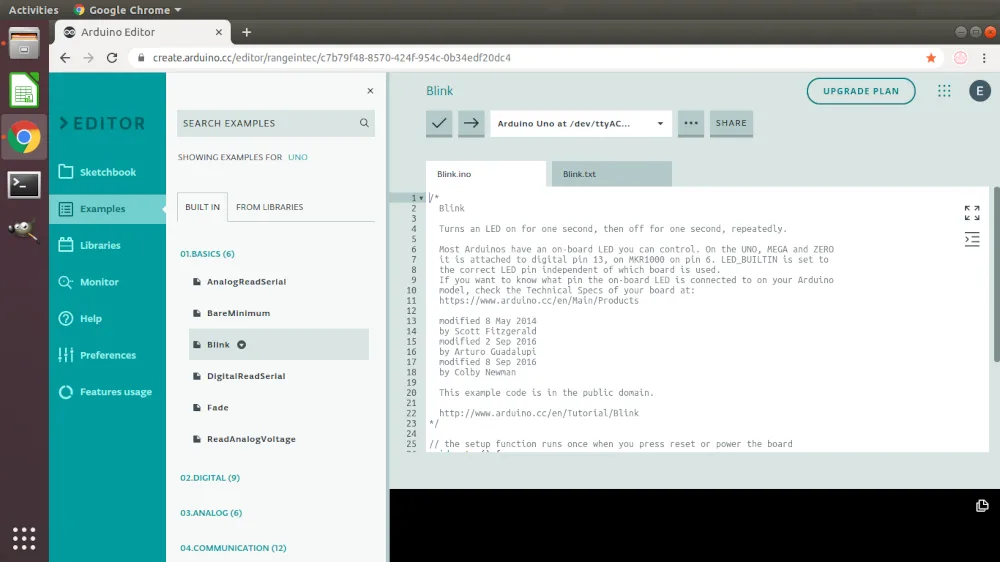
Uploading the car sketch on Windows
Installing the Arduino Create Agent on Windows and getting the car sketch onto the board, step by step. This is the part where an adult should be at the laptop.
Read →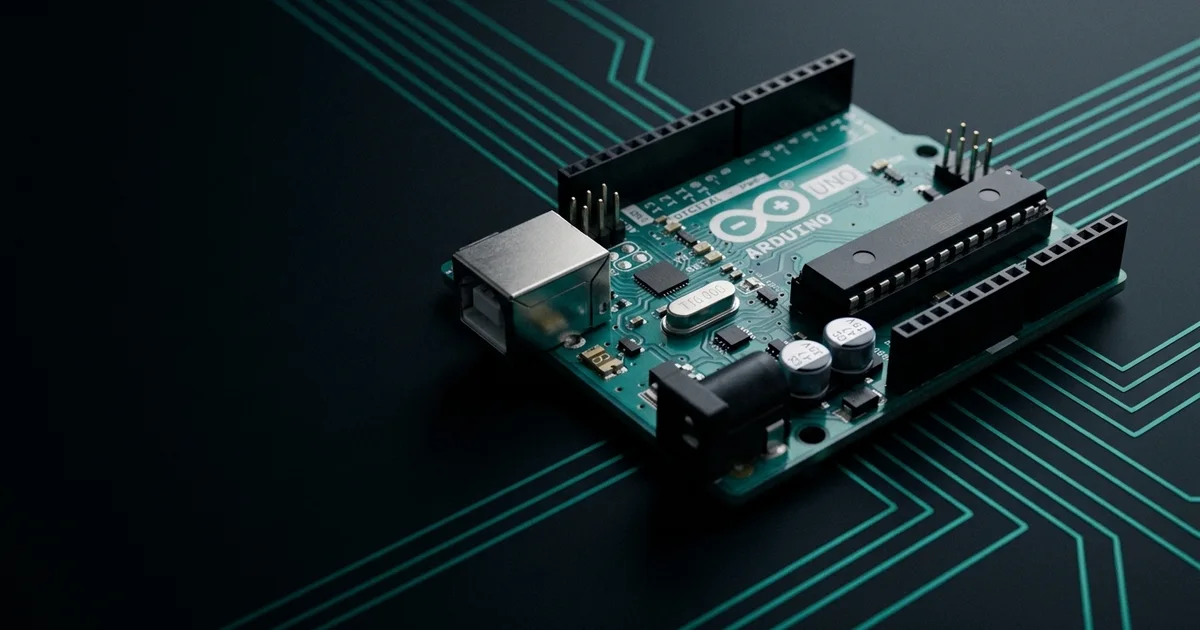
Arduino programming: what the code in the car is doing
A plain walkthrough of the Arduino code in the car build - sketch structure, data types, pins, control flow and serial - so you can answer when your kid asks.
Read →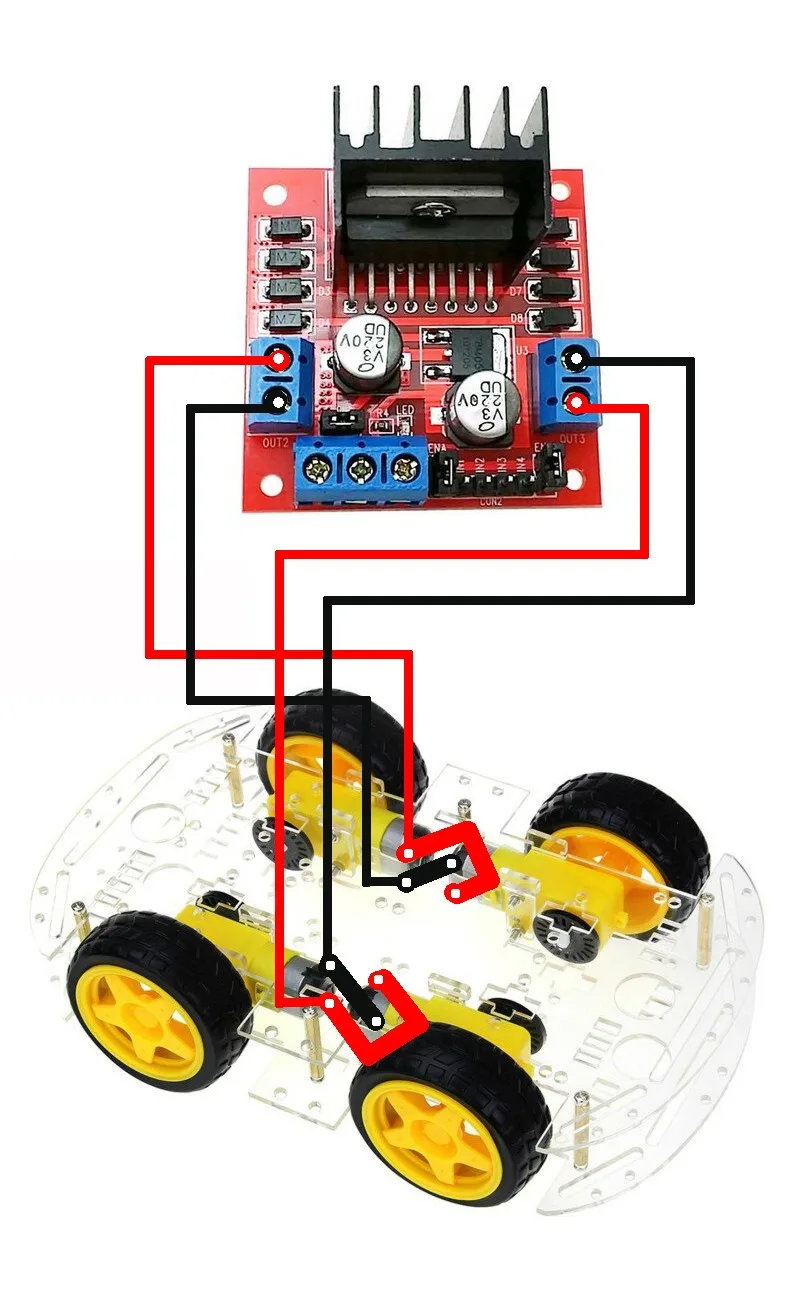
No soldering required: the alternatives
Breadboards, jumper wires, terminal blocks and header pins — how to connect an Arduino car without an iron, and how well each one actually holds.
Read →