
Learn
What are start and stop bits for? Two bits that carry no data and cannot be removed
Troniction
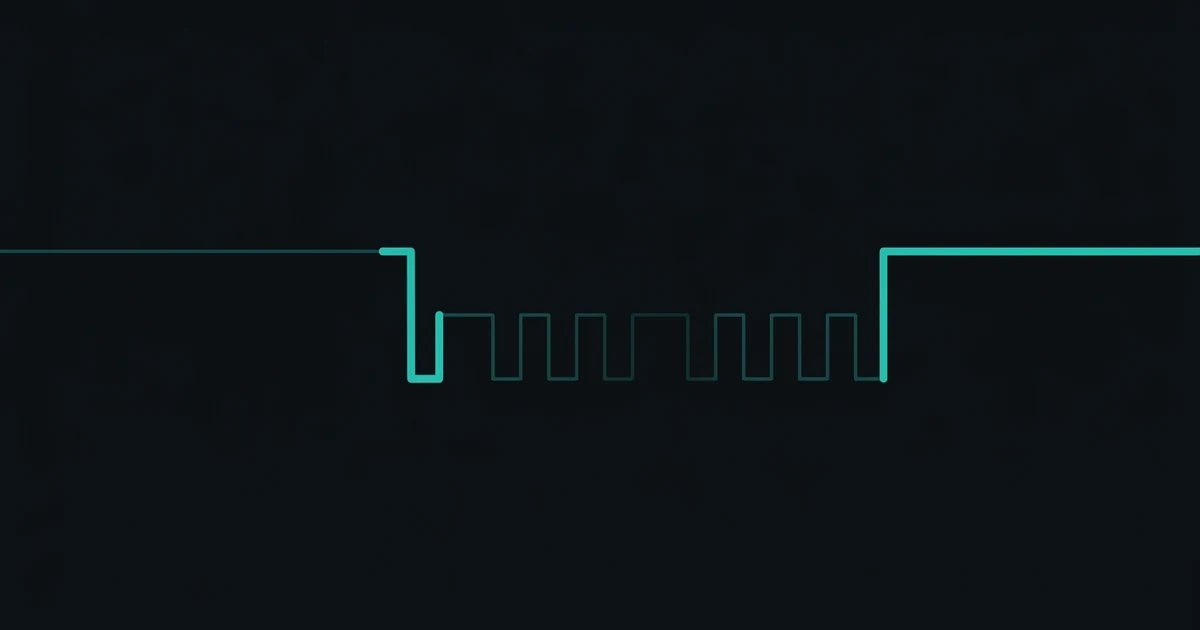
In 8N1 — the setting nearly every serial device on earth defaults to — eight of the ten bits on the wire are your data. The other two carry nothing at all. They spell no character, encode no value, and cannot be switched off. They cost you 20% of your bandwidth on every single byte, forever.
They are also the reason the whole arrangement functions. Here is what each one actually does.
First: the line idles high
Before either bit makes sense, one convention has to be established. An idle serial line sits high, not low. Nothing is being sent, and the voltage is at logic 1.
That is a deliberate choice, and it inherits from current-loop telegraphy, where idle meant current flowing. The advantage is diagnostic: if a wire breaks, or a device loses power, or a connector falls out, the line goes to the opposite state and stays there. A permanently low line is not a valid idle — it is a detectable fault condition, called a break. Had idle been low, a severed cable would look exactly like a quiet one.
Hold onto that. Both bits below exist because of it.
The start bit: manufacturing an edge
Serial has no clock line. The receiver knows how long a bit is meant to last, because you told it the baud rate, but it has no idea when a byte will arrive — that is what asynchronous means, and it is the point. Bytes come whenever the sender has one.
So each byte has to announce itself. The transmitter pulls the line from idle-high down to low and holds it there for exactly one bit-time. That high-to-low transition is the start bit, and it is the only synchronisation event in the entire frame.
This is why idle-high matters. Because the resting state is high, a falling edge can only mean one thing: a byte is beginning. If the line idled low, a start bit would have to be high, and there would be no way to distinguish the start of a frame from a line that happened to be sitting there.
Once it sees that edge, an ATmega328P starts counting. It ticks sixteen times per bit-time and takes three samples — at ticks 8, 9 and 10 — near the middle of each bit, using whichever value it saw at least twice. The middle is chosen because it is the point furthest from both neighbouring transitions, and therefore the most forgiving place to be slightly wrong about the time.
The receiver also checks the start bit itself is still low halfway through. A brief glitch on an idle line produces a falling edge that is gone by the time it is sampled, and the frame is abandoned as noise rather than decoded as a byte. You can see this in the baud mismatch playground: at the wrong rate some bytes do not arrive garbled, they simply vanish, because their start bit failed this test.
The stop bit: guaranteeing the next edge
The stop bit is the one people assume is redundant. The byte is finished — why hold the line high for another bit-time before you are allowed to send the next one?
Because of what happens if you do not.
Imagine two bytes back to back with no stop bit. The final data bit of the first byte is a 0, so the line is low. The next byte begins with a start bit, which is also low. The line is already low and simply stays low. There is no falling edge, so the receiver never learns that a second byte has begun. Everything after that is garbage.
The stop bit removes that possibility entirely. By requiring the line back at idle-high for at least one bit-time between frames, it guarantees that the next start bit must produce a transition. The stop bit is not padding — it is what makes the start bit work.
It does a second job as well. It buys the receiver a bit-time to lift the assembled byte out of the shift register and into a buffer before the next one starts overwriting it. On a mechanical teleprinter this mattered enormously, which is why two stop bits exist: some machines needed longer to finish printing a character than one bit-time allowed.
The third job: catching errors
Because the receiver knows the stop bit must be high, it can check.
If the line is low when the stop bit is sampled, something is wrong — and the receiver says so, raising a frame error. This is not a theoretical nicety. It is the normal way a baud rate mismatch presents itself, because timing error accumulates across the frame and the stop bit is the slot furthest from the start edge, so it is the first one to be sampled in the wrong place. The full arithmetic is in how much baud error is too much.
That is worth stating plainly: the stop bit is the frame's built-in error check, and it is free. Parity is optional and detects a single flipped data bit. The stop bit is mandatory and detects the far more common fault of the two ends disagreeing about time.
What it costs
| Format | Slots per byte | Data bits | Overhead |
|---|---|---|---|
| 8N1 | 10 | 8 | 20% |
| 8E1 (with parity) | 11 | 8 | 27% |
| 8N2 (two stop bits) | 11 | 8 | 27% |
| 7E1 | 10 | 7 | 30% |
This is why 9600 baud gives you 960 bytes per second and not 1200. The baud rate counts symbols on the wire, and two of every ten are structural. Toggle the settings in the frame explorer and watch the slot count move — that number is your real throughput divisor.
It is also why longer frames tolerate less clock error. Adding parity or a second stop bit pushes the final slot further from the synchronising edge, so the same drift lands you further out of position. More structure means more safety in one dimension and less in another.
Why you cannot just delete them
The obvious optimisation — drop the two useless bits, gain 20% — is exactly what synchronous protocols do. SPI has no start bit and no stop bit, and every bit on an SPI bus is payload.
SPI gets away with it because it has a clock line. The master drives SCLK, and both ends agree on when to look without needing any marker in the data. There is no "when does this byte begin" question to answer, so no bit has to answer it.
Asynchronous serial made the opposite trade, for reasons covered in why serial has no clock line: it saved a conductor on links that ran between buildings. Having given up the clock wire, it must reconstruct timing from the data itself — and the start and stop bits are that reconstruction. They are the clock line, paid for in bandwidth instead of copper.
Two bits of every ten, on every byte, forever. It remains the better deal.
If your link is producing garbage right now, though, the frame format is almost certainly not the cause — a mismatched baud rate is far more likely, and garbage characters in the Serial Monitor has the real per-module table. Come back here for why the garbage looks the way it does.
Common questions
- What is the purpose of the start bit?
- It creates a falling edge. The line idles high, so pulling it low for one bit time gives the receiver an unambiguous transition to synchronise on. It is the only timing reference in the whole frame, since asynchronous serial has no clock line.
- What is the purpose of the stop bit?
- It guarantees the line returns to idle high before the next byte, which guarantees the next start bit will produce a falling edge. Without it, a byte ending in zero followed immediately by a start bit would give the receiver no transition to detect. It also gives the receiver time to move the byte out of the shift register.
- Can you send data without start and stop bits?
- Not over asynchronous serial. They are what makes it asynchronous — they let a byte arrive at any moment and still be found. Synchronous protocols such as SPI and I2C drop them because a separate clock line does the same job continuously.
- Why do some configurations use two stop bits?
- It dates from mechanical teleprinters, which needed extra time to finish printing a character before the next one arrived. Today two stop bits are occasionally used to give a slow or heavily loaded receiver more margin, at the cost of making each byte eleven bit times instead of ten.
Still not connecting?
Arduino Bluetooth — Make It Connect is 62 pages of every way the link fails, why, and the fix — HC-05, HC-06 and HM-10 BLE, including the clone family almost nothing covers. $9.