
The build guide
Build an Arduino Bluetooth car
Six steps, no soldering and no prior electronics. Buy the parts on one list, make five connections in an evening with the battery last, download the sketch, upload it in about twenty minutes with the Bluetooth data wires unplugged, and drive the four-wheel car from your phone, horn and reversing beep included.
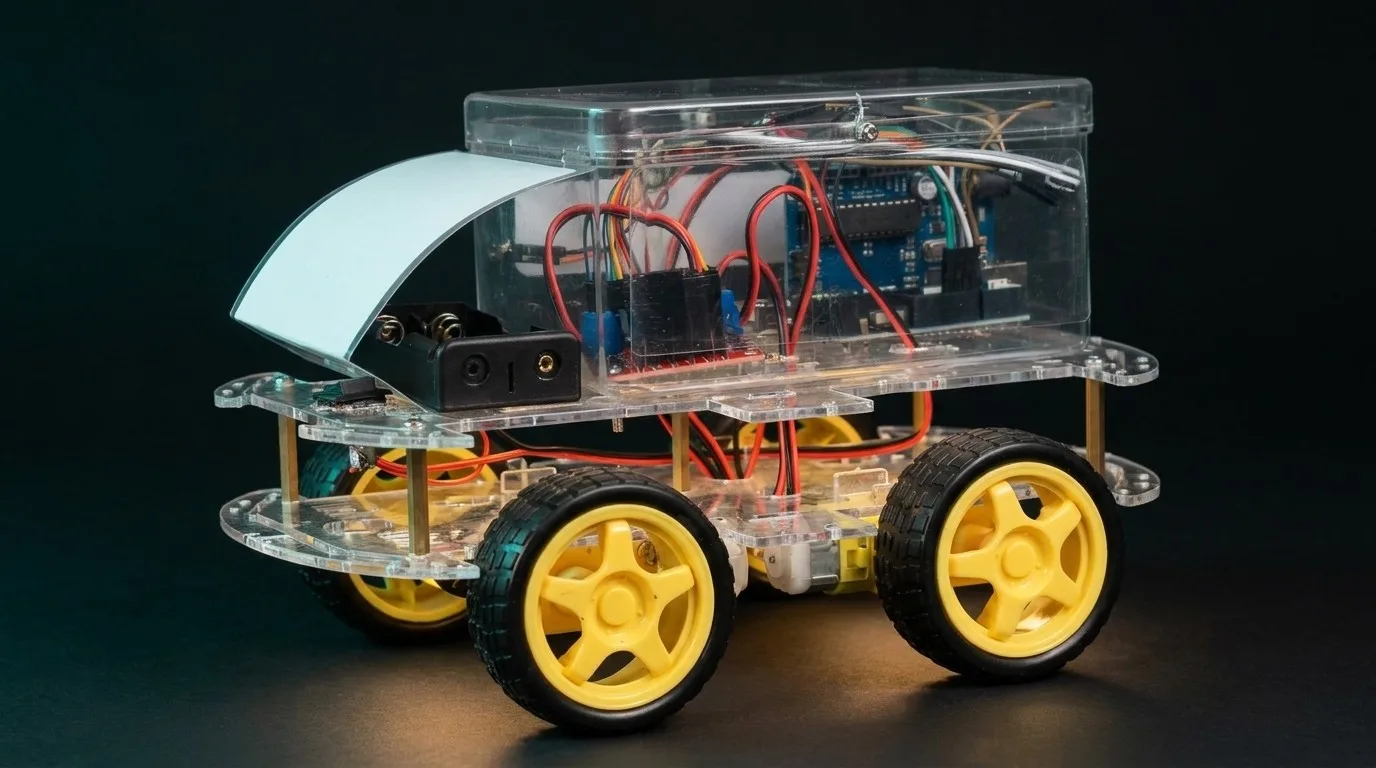
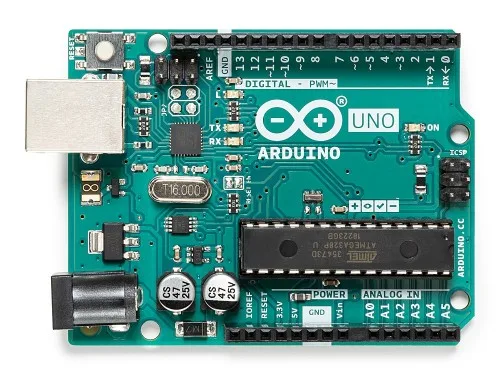 Step 01 · Get
Get the parts
One named list of every part and what it is for. Nothing on it needs soldering.
Watch out: Buy the whole list before you start: the usual way this stalls is one missing part and a week of waiting. The L298N must have screw terminals and the motors must come with wires attached.
 Step 02 · Wire
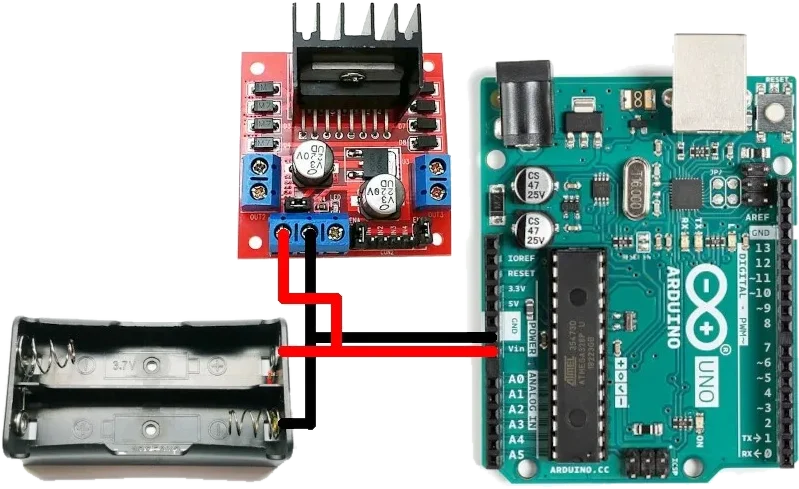
Wire it up: five connections, no soldering
Motors to the driver, driver to the Arduino, then the Bluetooth module, the buzzer and the battery.
Time: An evening
Watch out: The motors on one side face the other way, so their wires go in swapped or two wheels spin backwards. And the battery goes last: it is the only step that can damage anything.
 Step 03 · Write
Get the code, explained
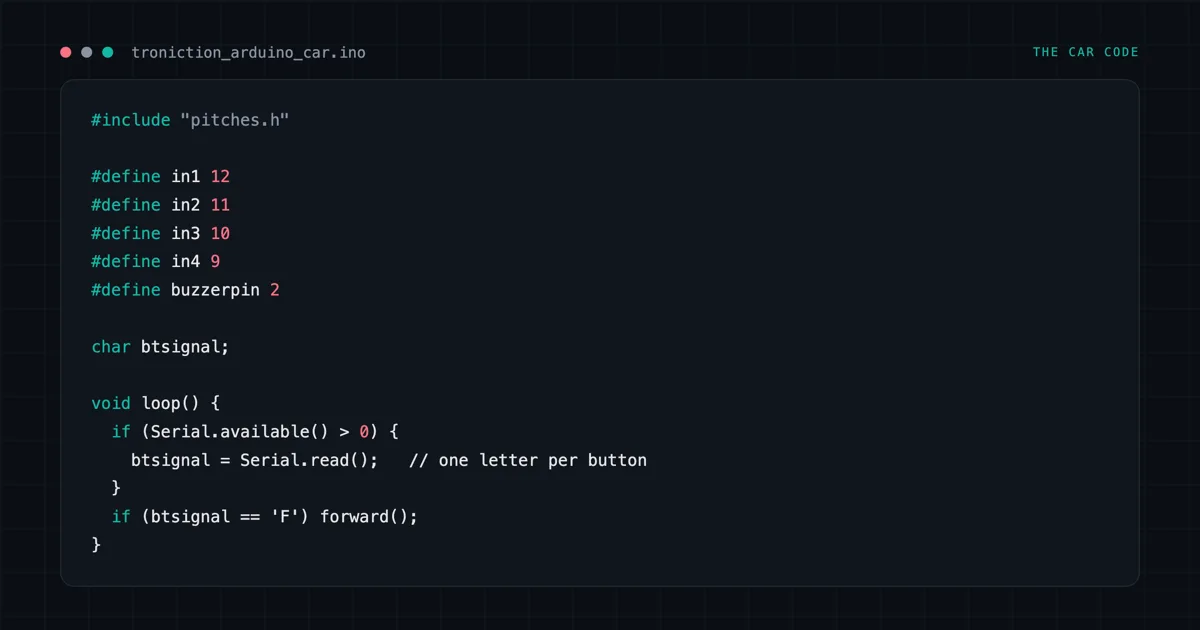
You do not type it in. The sketch is a download, explained line by line: the phone sends one letter per button, and the Arduino decides what to do with it.
 Step 04 · Upload
Upload the sketch
Laptop, USB cable, one button. An adult should hold the laptop: it means installing software and clicking through dialogs.
Time: About twenty minutes
Watch out: Unplug the Bluetooth module’s TXD and RXD wires before you upload, or it fails with an error that explains nothing.
 Step 05 · Drive
Drive it from your phone
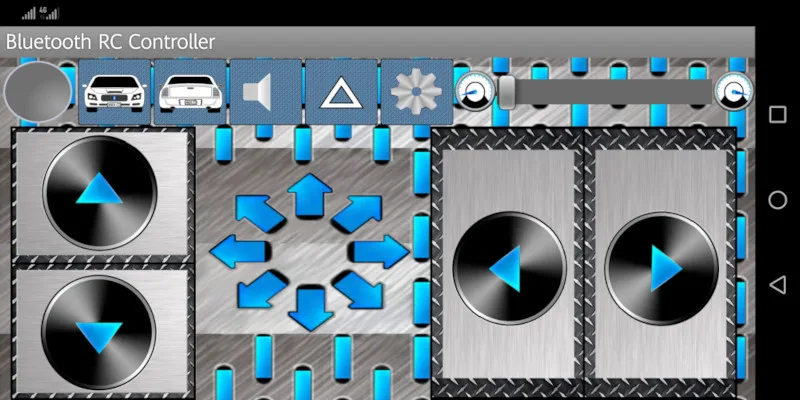
Pair the phone with the Bluetooth module, open the controller app, and drive. This is the part they remember, and it is worth filming.
Watch out: It needs an Android phone. The box below the steps explains why.

Before you buy: iPhones. Classic Bluetooth SPP — which is what an HC-05 and an HC-06 speak — is invisible to iOS at the operating-system level. No app fixes it, no library fixes it, and no wiring change fixes it. You need a BLE module: a genuine HM-10, or an ESP32. And Web Bluetooth is not the escape hatch — it is not in Safari, any version.
Know your parts
- L298N motor driver: pinout, wiring and the jumper that kills speed control
- HC-06 Bluetooth module: why the 3.3V pin betrays you
- Arduino Uno R3: every pin this car uses
- Every part and the datasheets
When it does not work
- The upload hangs: the Bluetooth module is still on pins 0 and 1
- Arduino Bluetooth symptom index: it never appears, it pairs and drops, it sends garbage
Want every step on paper?
The free book is the same kind of car, written for a parent and a child: who does each step, a test after every stage, every wire drawn, and why it works. A free PDF and EPUB by email.