
Learn
Why does serial have no clock line? The wire it saves, and the price you pay
Troniction
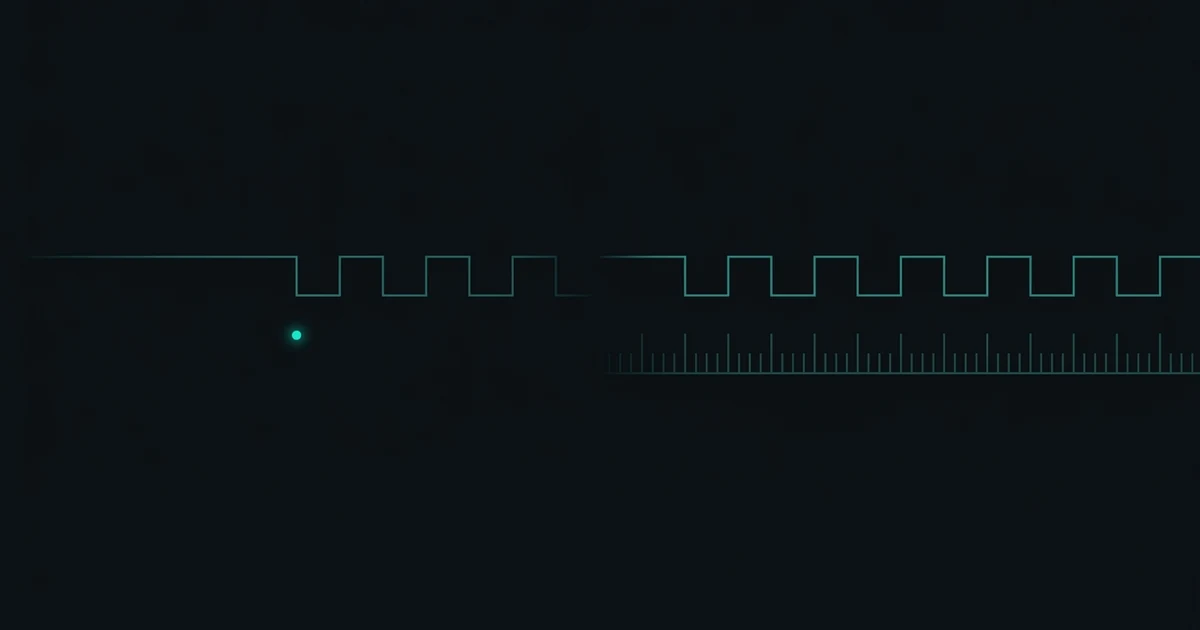
Every other bus on your board sends a clock. SPI has SCLK. I2C has SCL. Both work the same way underneath: one device drives a clock line, and on each tick both ends agree that now is the moment to look at the data wire. However far apart their internal oscillators drift, they cannot lose each other, because one of them is continuously saying when.
UART has no such wire. Two devices, two crystals, no conversation about timing at all — and yet it works. Understanding how is the single most useful thing you can learn about serial, because almost every confusing thing about it follows from this one absence.
What a clock line actually buys
Put a logic analyser on an SPI bus and the clock does something specific: it removes the question of when. The data line can be sloppy, the edges can be slow, the master can pause mid-transfer and resume a second later. None of it matters. The receiver is not measuring time; it is counting edges on a wire someone else is driving.
That is an enormously strong guarantee, and it is why SPI can run at tens of megahertz with no configuration beyond mode and bit order. You never set a "rate" on an SPI slave. You cannot get it wrong, because there is nothing to agree on.
So why would anyone give that up?
Because the wire was the expensive part
UART's ancestry is not chip-to-chip. It is the teleprinter — machines connected by wires that ran between rooms, between buildings, and eventually down telephone lines between cities. In that world every additional conductor is a recurring cost, and a four-wire link is not twice the price of a two-wire link so much as twice the thing you have to lease, install and maintain.
There is a second problem, and it outlives the economic one. A clock signal travelling a long wire arrives skewed relative to the data on the wire beside it. The two conductors are not identical lengths, they have different capacitance, and the faster you run the worse it gets. At some distance the clock stops being a guarantee and becomes another thing that can be wrong. Synchronous protocols solve this today with source-synchronous clocking and training sequences; in 1920 the answer was simply not to send a clock.
So the trade UART makes is this: give up the clock wire, and agree the rate in advance instead. The configuration you now have to get right — 9600, 8N1 — is the price of the wire you did not run.
How it stays in step without one
The receiver has its own oscillator, and it knows the agreed rate, so it knows how long one bit is supposed to last. What it does not know is when a byte will arrive. Bytes come whenever the sender feels like it — that is what asynchronous means, and it is the whole point: neither side has to be ready at a particular instant.
So each byte carries its own synchronisation event. The line rests high when idle. To send a byte the transmitter first pulls it low for exactly one bit-time. That falling edge is the start bit, and it is the closest thing UART has to a clock tick: one edge, once per byte, that tells the receiver to start counting.
From that edge the receiver counts bit-times entirely on its own. On an ATmega328P it ticks sixteen times per bit and samples near the middle of each one, because the middle is the point furthest from both neighbouring edges and therefore the most forgiving place to be slightly wrong.
The frame explorer lets you take a frame apart slot by slot. Change the data bits, parity and stop bits and watch the shape and the bit-time count change — the whole structure exists to make one falling edge enough.
Why this makes the frame short
Here is the consequence people miss. Because the receiver syncs once per byte and then free-runs, any difference between the two clocks accumulates across the frame. The first bit is barely affected. The last bit has absorbed the error nine times over.
That is the reason a UART frame is ten bits and not a thousand. A long frame would drift out of alignment before it finished, and there would be no edge in the middle to recover on. Keep the frame short, re-sync every byte, and the error never gets the chance to grow. The exact arithmetic — and the number where it finally breaks — is in how much baud error is too much.
It also explains why the failure looks the way it does. Timing error shows up at the end of the frame first, and the end of the frame is the stop bit, which the receiver knows must be high. So a rate mismatch announces itself as a frame error rather than as a quietly wrong byte.
What this means in practice
Three things follow directly from having no clock line, and all three are things beginners run into within their first hour:
Both ends must be told the same number. There is nothing on the wire to negotiate it, no handshake, no auto-detect. Serial.begin(9600) on one side and 38400 on the other produces garbage, and no amount of rewiring fixes it. That is the single most common Arduino Bluetooth fault, and it is covered in full in garbage characters in the Serial Monitor.
Accuracy matters more than speed. Since nothing corrects drift, the quality of each end's oscillator sets the ceiling. A microcontroller running from an internal RC oscillator can be several percent off before it has done anything wrong, which is most of the budget gone. A crystal is not an optional upgrade for serial; it is what makes the arrangement work at all.
More bits per frame means less tolerance. Adding parity or a second stop bit pushes the last slot further from the sync edge, so the same clock error lands you further out. The frame explorer shows the slot count changing as you toggle them, and a longer frame is measurably a less forgiving one.
The trade, stated plainly
| Synchronous (SPI, I2C) | Asynchronous (UART) | |
|---|---|---|
| Wires for one direction | 2 — data plus clock | 1 |
| Timing agreed by | the clock line, continuously | configuration, in advance |
| Configuration to get wrong | none | baud rate, data bits, parity, stop bits |
| Re-syncs | every bit | every byte, on the start bit |
| Tolerates clock mismatch | completely | to about 5% for 8N1 |
| Natural range | centimetres | metres to kilometres |
Neither is better. They are answers to different questions. SPI answers "how do I talk to the chip 8 mm away as fast as possible", and the answer is: send a clock, stop worrying. UART answers "how do I talk to something far away over as little copper as possible", and the answer is: do not send a clock, and accept that you now have a number to agree on.
Every baud rate argument, every mismatched Serial Monitor, every garbled line of Bluetooth output traces back to that choice. The wire was not run, so the number has to be right.
Open the frame explorer and hover the start bit. It carries no data at all — it exists purely to give the receiver an edge. That single wasted bit is what a clock line would have done for free.
Common questions
- Is UART synchronous or asynchronous?
- Asynchronous. There is no shared clock signal between the two devices. Each end runs from its own oscillator and they stay in step only because both were configured to the same baud rate in advance, and because the receiver re-synchronises on the falling edge of every start bit.
- Why does SPI have a clock line but UART does not?
- SPI is designed for chips on one board, centimetres apart, where a fourth wire costs nothing and a shared clock removes every timing question. UART was designed for wires running between buildings, where each extra conductor was a real expense and a separate clock would arrive skewed from the data anyway.
- What replaces the clock in UART?
- The start bit. Every byte begins with a high-to-low transition, and the receiver uses that single edge to restart its internal timing. It is one synchronisation event per byte rather than one per bit, which is why timing error is allowed to accumulate across a frame and why the frame is kept short.
- Do both devices need exactly the same baud rate?
- They need to be close, not exact. For a standard 8N1 frame the combined error between the two ends can reach about 5.26% before the last bit is sampled in the wrong place. Engineers design to 2% or better to leave room for temperature drift.
Still not connecting?
Arduino Bluetooth — Make It Connect is 62 pages of every way the link fails, why, and the fix — HC-05, HC-06 and HM-10 BLE, including the clone family almost nothing covers. $9.