
Upload Code to Arduino
Upload Code to Arduino
Follow these steps to upload the Arduino car code to your board using Arduino Create web editor.
1. Access Arduino Create
Visit the Arduino Create web editor:
2. Install Arduino Plugin
To upload code to your board, you need to install the Arduino plugin:
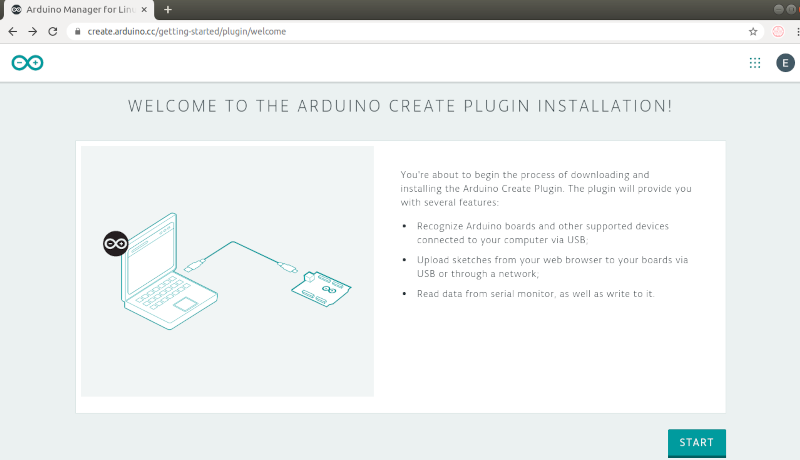
- Visit the Plugin Welcome Page and click START
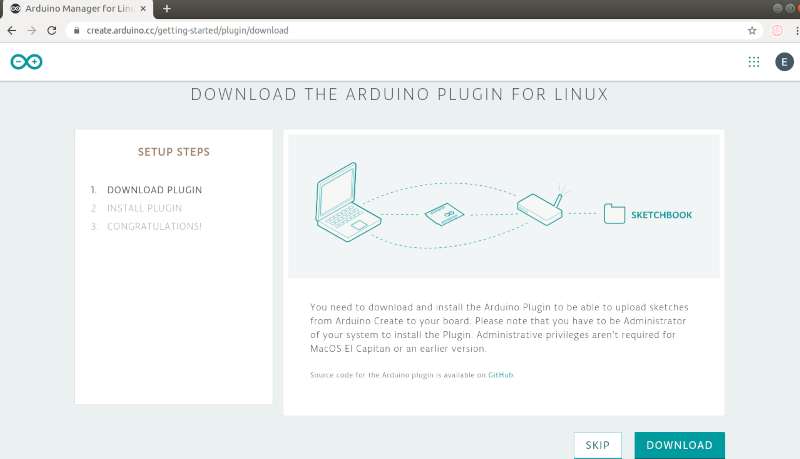
- Click DOWNLOAD to download the plugin
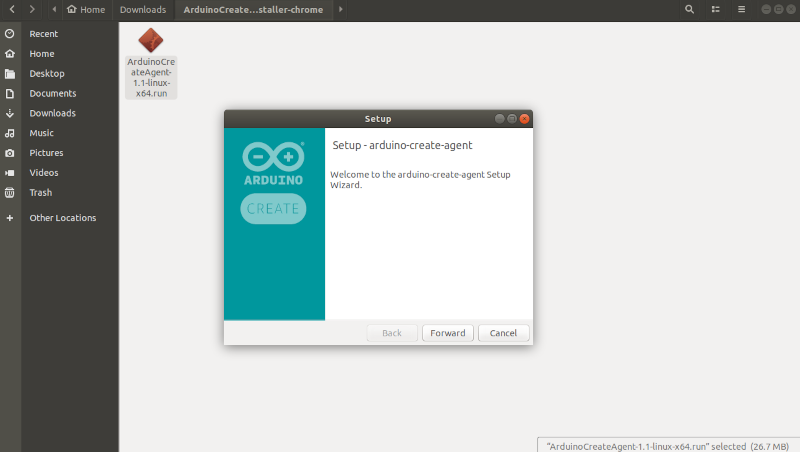
- Extract the downloaded file and run the installation wizard
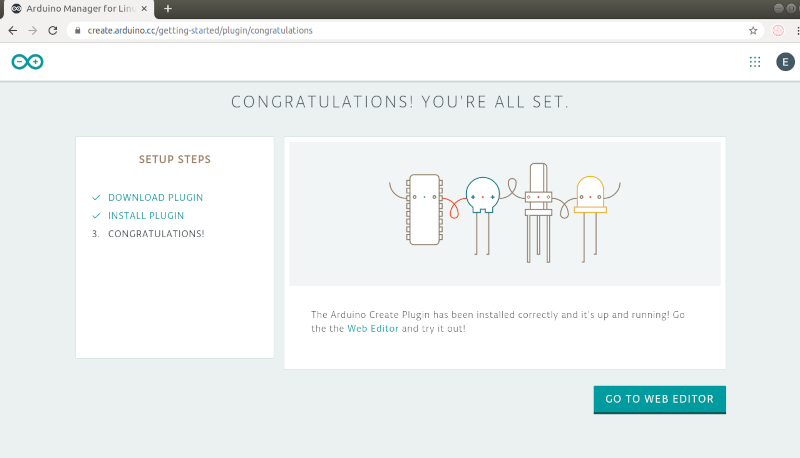
- After successful installation, click GO TO WEB EDITOR
3. Upload the Code
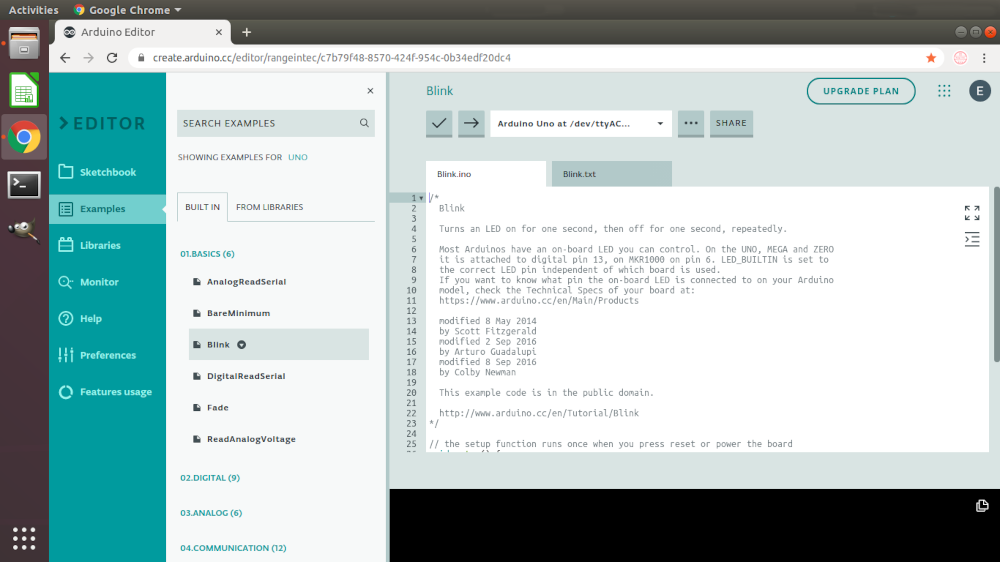
To upload the Arduino car code:
- Go to Sketchbook > Import Icon
- Upload the zip file containing the car code
- Click the Upload Icon to upload the sketch to your board

Note for Windows Users: Please refer to the "A Step-by-Step Guide Using Arduino Create Agent on Windows" page for specific instructions.