
Bluetooth Control Guide
Bluetooth Control Guide
Control your Arduino car wirelessly using your smartphone with our custom Bluetooth control app.
1. Download the App
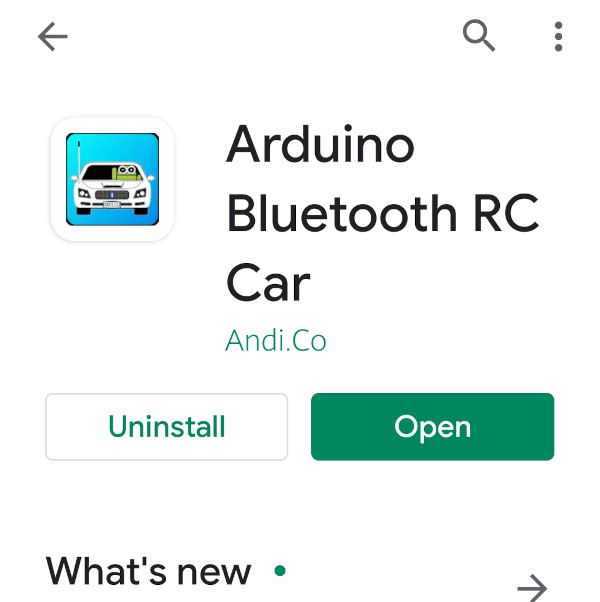
Search for Arduino Bluetooth RC Car to download the app.
2. Connect to Your Car
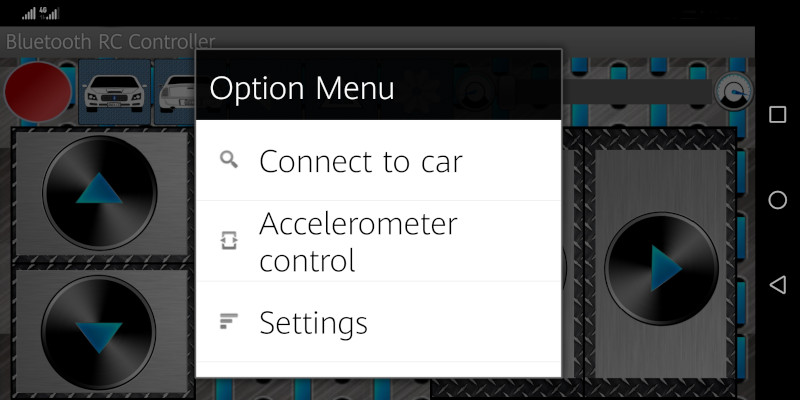
Select the Bluetooth device of your car from the settings. It will be listed as HC-06.
3. Control Interface
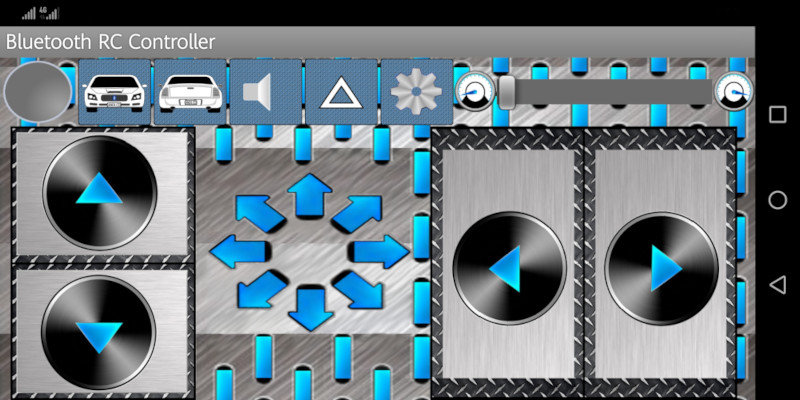
Use the app's intuitive interface to control your car:
- Direction buttons for movement control
- Speed adjustment slider
- Special function buttons
4. Control Commands
In Option Menu > Settings, you can find all the characters that are being sent when you press each button:
| Button | Command | Action |
|---|---|---|
| Forward | F | Move forward |
| Backward | B | Move backward |
| Left | L | Turn left |
| Right | R | Turn right |
| Stop | S | Stop all motors |